

About This Lesson
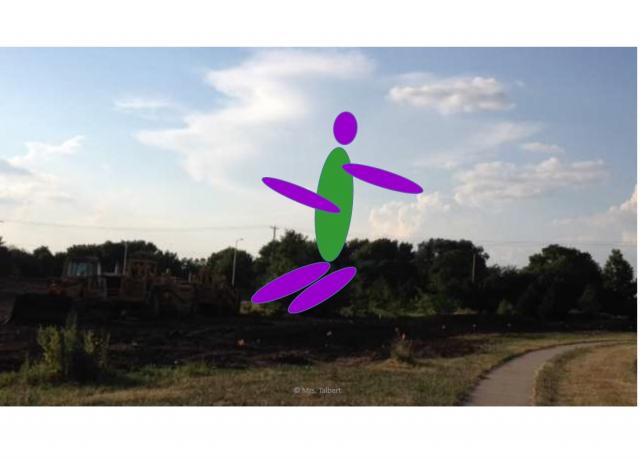
Students will use animation to make a PowerPoint Presentations more fun. Students will use ovals to create a body, arms and legs. They will add color to their body, arms & legs. Students will then make their body animate across the screen. This activity will help students better understand why in animated movies, it takes an animator awhile to make the character run, crawl, talk, etc... in each scene.
I have two types of procedures to create the animation: 1. I typed each procedure directly into the slide;2. I added a Word Document into the PPT, which I converted into a jpg on another slide. This will help you and students know the steps in creating an animation.
I also added a rubric called, "Multimedia Project: Creating Animation in PowerPoint" at the end of the PowerPoint.