Share My Lesson’s free, for-credit 2025 Virtual Conference will run from Tuesday to Thursday, March 25-27. We want to ensure you get the most out of these engaging sessions while earning the professional development credit you need. To help you maximize your experience, we’ve gathered some key tips.
If you haven’t already planned which sessions to attend, check out Kelly Booz’s blog, "PD in Your PJs: The 2025 Share My Lesson Virtual Conference" for a preview of a variety of timely and engaging webinar topics.
And remember—be sure to enter the sweepstakes for your chance to win 1 of 3 Oura wellness health rings. Plus, for each session you register for, you’ll get a bonus code for the sweepstakes for more chances to win. Enter now.
Note: All sessions will be available on demand with closed captioning in English and Spanish after the live broadcast. If you’ve already registered, you’ll receive an email with the on-demand link once it’s available.
Get to Know Your Bottom Toolbar
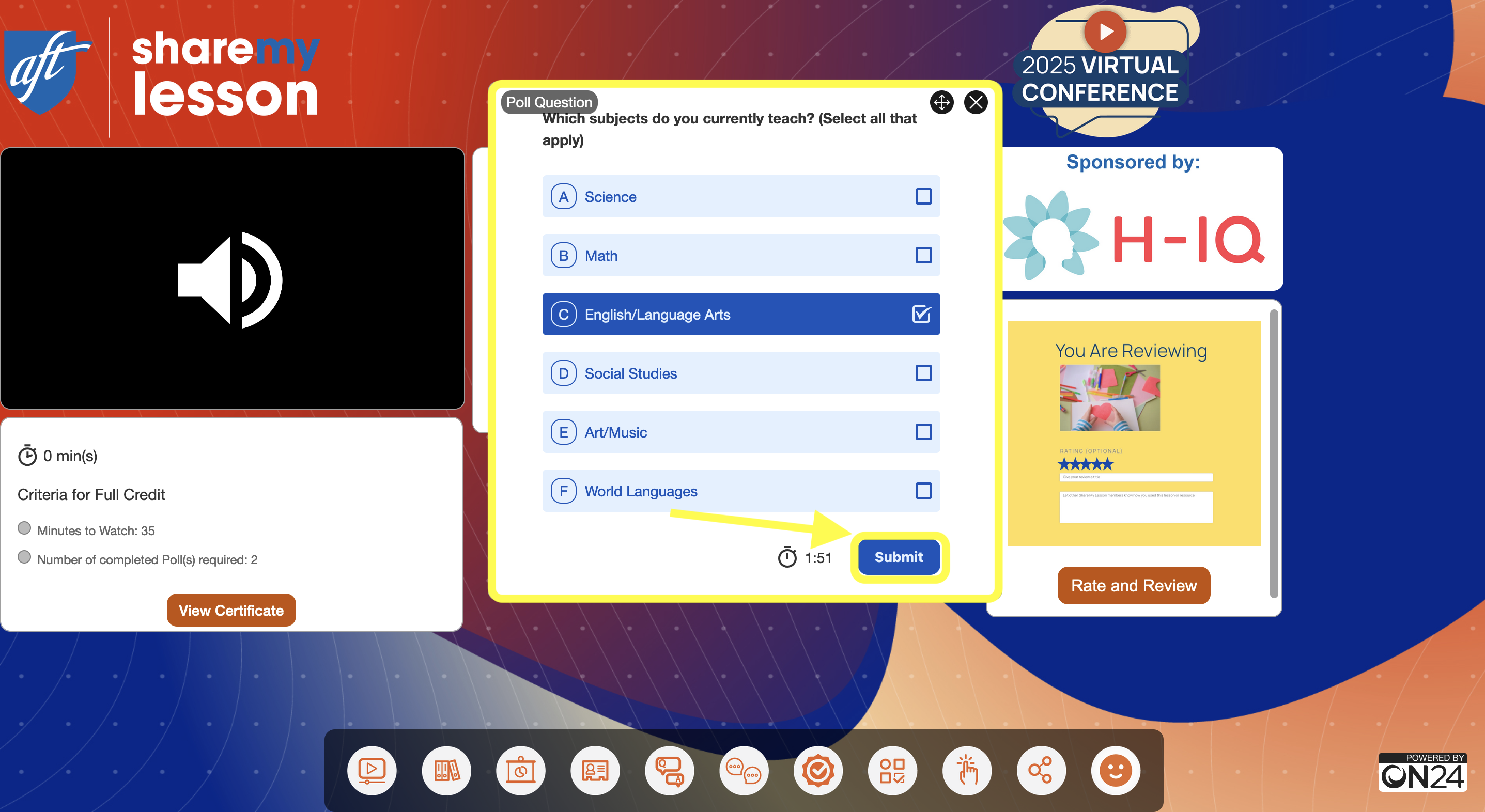
To fully participate in your session, take a moment to familiarize yourself with the bottom toolbar when you log in (see the panel under the yellow arrow in the image below).
From left to right, you’ll find widgets for the media player, resource list, slides, speaker bio(s), Q&A, group chat, certification, evaluation, share experience link and reactions. The toolbar lets you open or close widgets as needed during the webinar, and several will already be open when you join. If you accidentally close one, no worries—just click it again to reopen.
Tip: If you’re having trouble seeing a video or presentation, start by checking the toolbar to ensure the correct widget is open.